Press kit
RollGuard — press kit
Last updated: 10 September 2026. Questions, interviews, photos of the oyster lease: support@rollguard.app — David reads every email.
What it is (50 words)
RollGuard finds what's hiding in your photos — passports, cards, password screenshots, private images — entirely on-device. Free checks your last 30 days completely and keeps counting what it finds across the rest. One US$19.99 payment opens the review queue for all of it, and lets Pro fetch photos your iPhone keeps only in iCloud to check on your phone — a download only, nothing uploaded.
What it is (150 words)
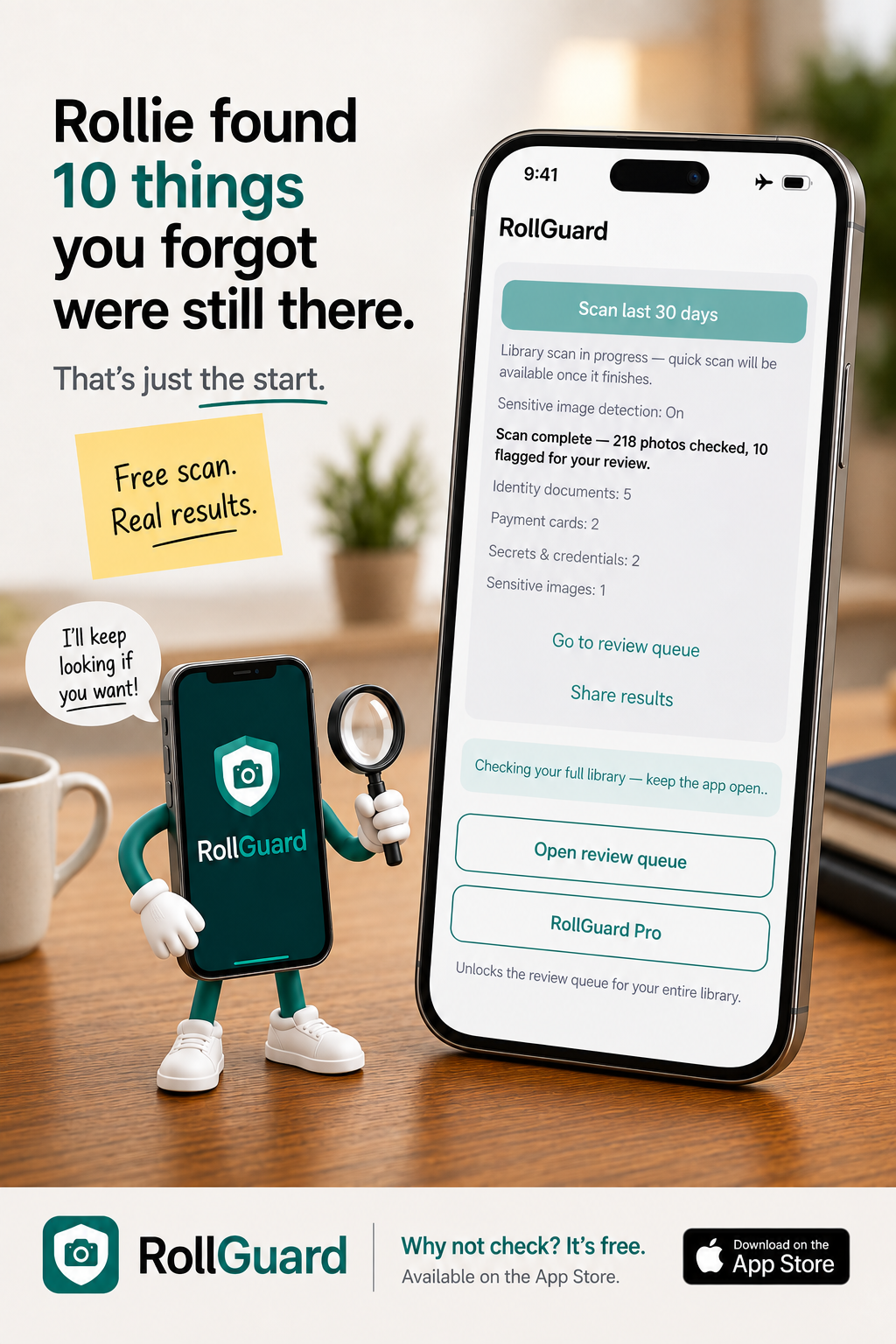
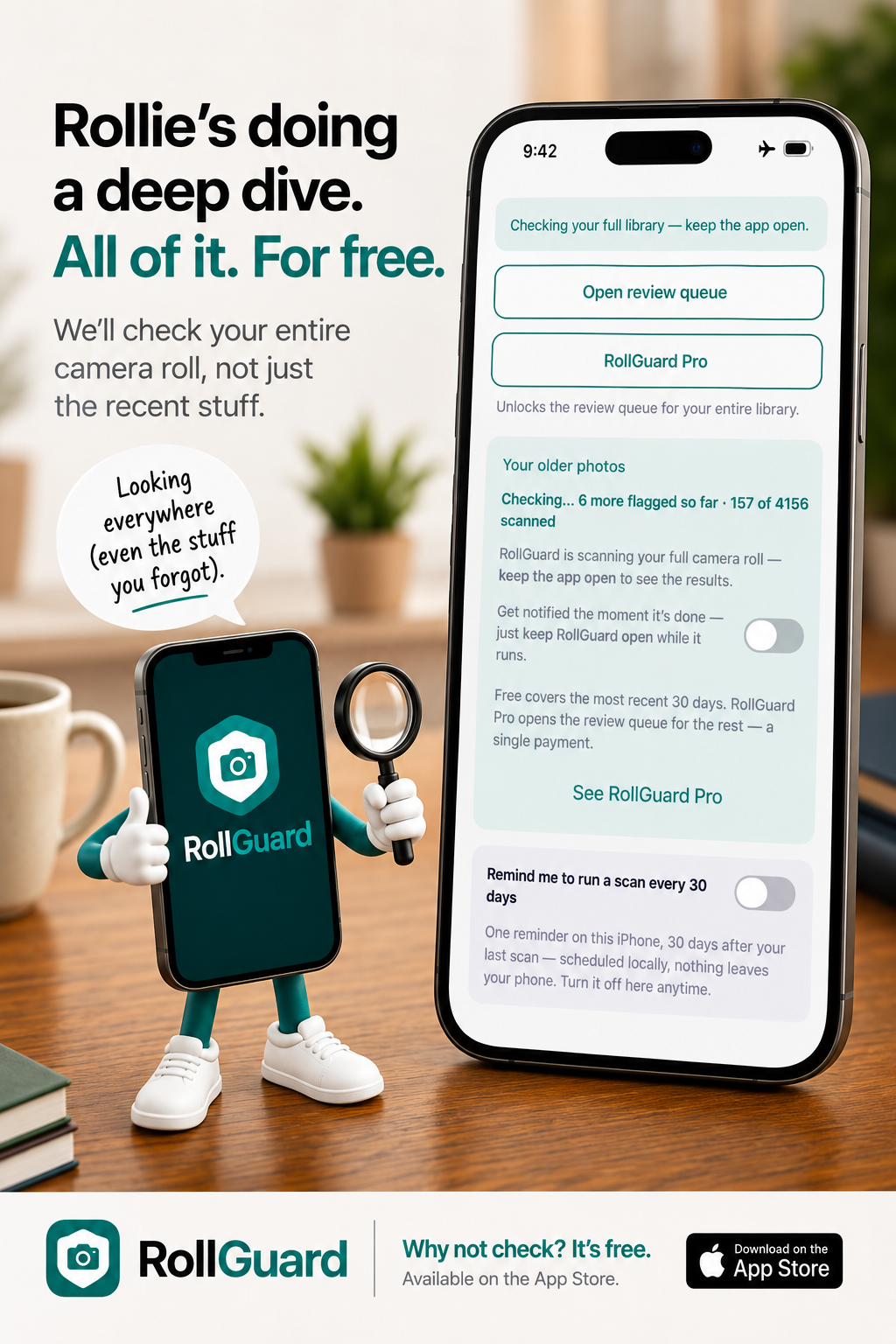
RollGuard is a privacy app that scans an iPhone's photo library for the sensitive things everyone photographs and forgets: identity documents, payment cards, screenshots of passwords and credentials, and private images. Every scan runs entirely on-device — photos are never uploaded, no account exists, and scanning works in Airplane Mode. Machine-readable documents are read and checked against their own rules; anything RollGuard can't verify is still flagged, labelled honestly as "possible". The free tier is a real product, not a demo — every flag in the most recent 30 days, plus a running count across the rest of your library. RollGuard Pro opens the review queue for everything beyond that window, each flagged item with its thumbnail, yours to keep, hide, or delete, for a single US$19.99 payment. No subscription, ever. Photos your iPhone keeps only in iCloud can't be read from the phone — RollGuard counts them and says so, and Pro can fetch each one over Wi-Fi to check on the device: a download only, nothing uploaded. Before launch, the codebase was audited against every public claim — each promise traced to a line of code. RollGuard never tells you your library is "safe." It flags; you decide.
The founder story (the short version)
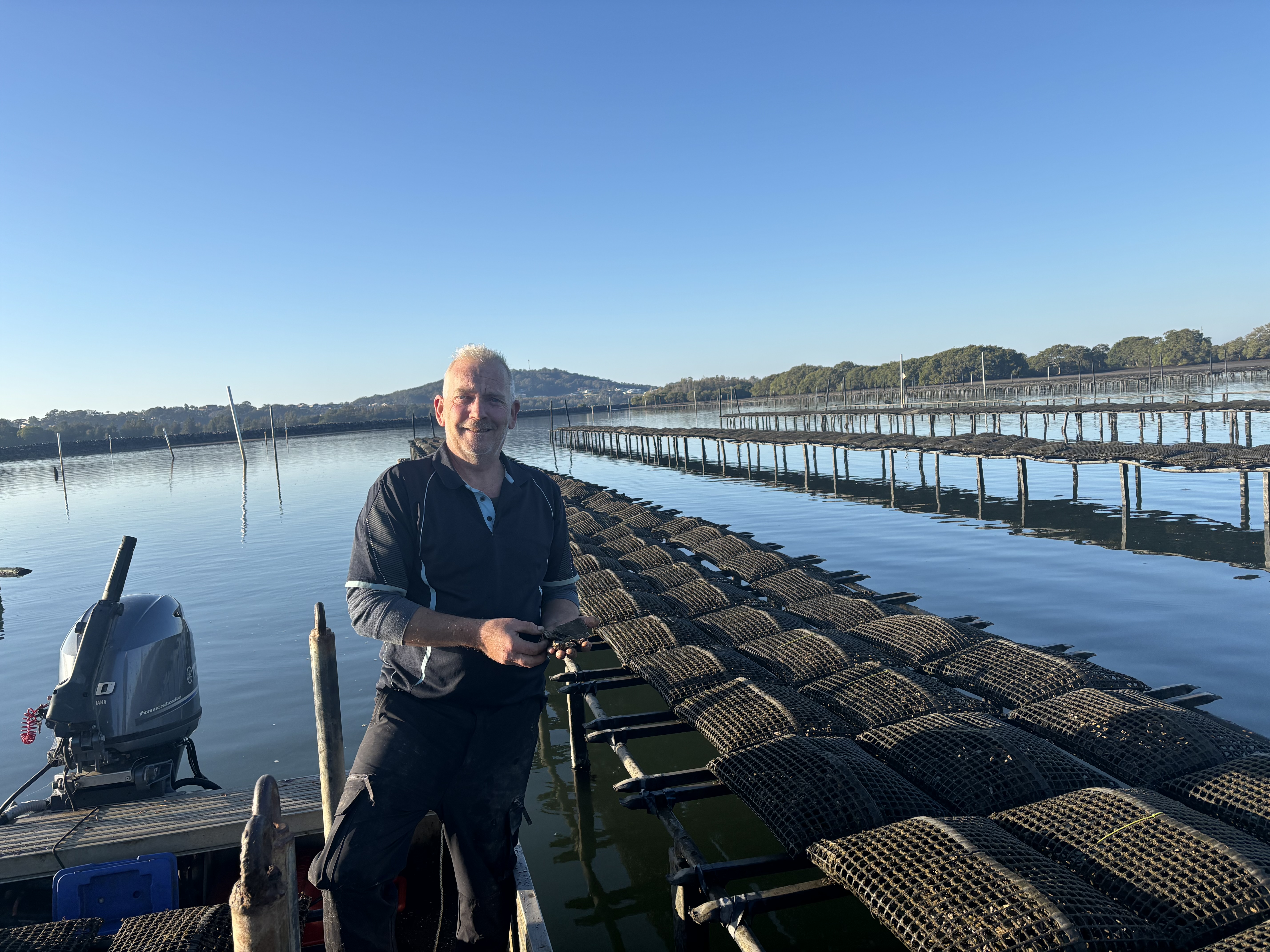
David Smith spent 25 years in finance in Australia, London and Monaco, then left it to farm oysters at South West Rocks on the NSW coast. Before a family trip to the US, he wanted every family phone checked for forgotten ID photos — without going through his teenage sons' libraries himself. No app did that one simple thing on-device, so he built it — not as a developer, but with AI development tools. The full story: rollguard.app/about.
Coverage
How RollGuard reads identity documents
- RollGuard's detection has been tested against hundreds of specimen and reference documents — passports, national ID cards, driver licences, travel and residence documents — from 182 issuing authorities, with every test's outcome on file.
- 180 countries and territories have at least one detection proven against a real specimen document.
- RollGuard doesn't just spot things that look like documents — it reads them. Passports and modern national ID cards carry machine-readable numbers with their own built-in arithmetic, and RollGuard checks that arithmetic. Passports from 100 MRZ-verified states have checked out against their own check digits in testing — and because it's arithmetic, not translation, it works whatever language the document is printed in.
- Deep, specimen-tested coverage for Australia, New Zealand, the UK, Ireland, Canada and the US — passports, driving licences, Medicare and health cards, birth certificates, working-with-children checks and more — with broad coverage across Europe on top.
- RollGuard recognises document titles in more than 30 languages — including right-to-left scripts such as Arabic, Persian, Dari and Pashto.
- National identifiers that publish a check digit — Australia's Medicare and Tax File Number, New Zealand's IRD number, the UK's NHS number, Ireland's PPS number, Canada's SIN — are validated with the real arithmetic, never guessed.
- Screenshots of crypto wallet recovery phrases are checked against the real BIP-39 wordlist and checksum.
- When something looks like an identity document but can't be verified, RollGuard still flags it — labelled "possible" — and you decide. RollGuard never tells you your library is "safe."
Fact sheet
- Platform: iPhone, iOS 26 or later
- Price: free — a complete scan of your last 30 days plus a running count of what's flagged across the rest of your library; RollGuard Pro (US$19.99 one-time, shown in your local currency on the App Store — no subscription, ever) opens the review queue: see every flagged item and keep, hide, or delete
- Photos stored only in iCloud: counted and reported, never quietly passed over — RollGuard Pro can fetch each one over Wi‑Fi and check it on the device, a download only, with no storage settings changed
- Privacy: fully on-device; no uploads, no account, no analytics in the app or on this website; works in Airplane Mode; codebase audited pre-launch against every public claim — each promise traced to a line of code, findings on file
- Availability: App Store
- Made by: David Smith — one person, in South West Rocks, Australia
- Background: 25 years in finance (Australia, London, Monaco); oyster farmer since 2015; first app, built with AI development tools
Want to review it?
RollGuard is free to download, and the free scan is the complete product for your last 30 days — no code needed to try it. If you're writing about it, email support@rollguard.app and I'll send you a promo code for RollGuard Pro — yours to keep — so you can review your whole library.
Downloads
All materials free to use in coverage of RollGuard. Screenshots show specimen documents only — no real personal documents appear in any RollGuard material, ever.